Mdt 2012 Deployment Guide Step by Step 9 of 11
Creating a Deployment Task Sequence
- From the Deployment Workbench, expand the customer Deployment Share and right-click on Task Sequences and select New Task Sequence
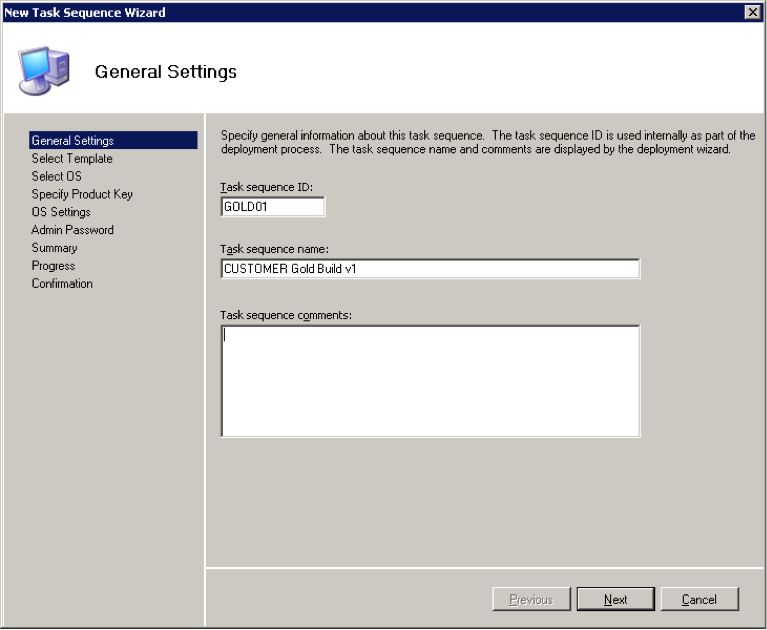
- Enter a Task Sequence ID and Name. Make a note of the ID as you may need it later!
- Accept the default “Standard Client Task Sequence” template
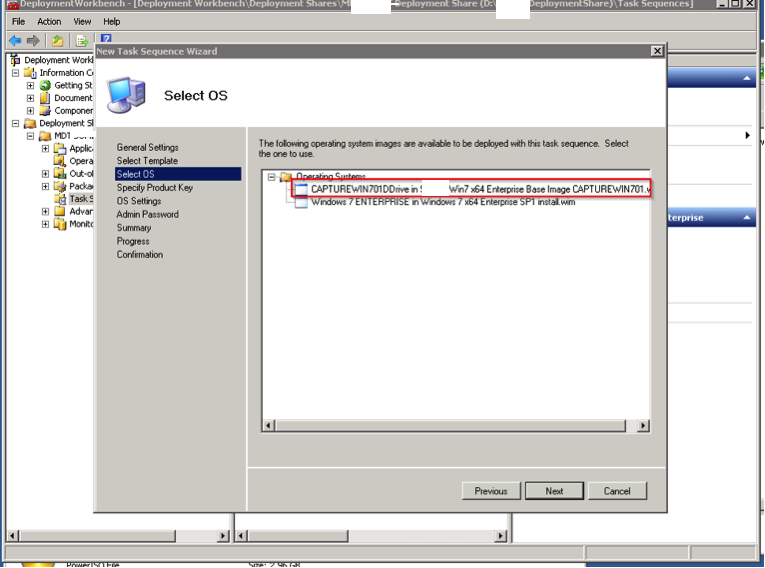
- Select the relevant OS Image to deploy
- This option will vary dependent on whether you are going to be using KMS or MAK licenses for their Windows 7 deployment.
MAK - Select Specify a multiple activation key (MAK key) for activating this operating system
Continue reading